Crafting the Perfect Clock App Dashboard: Design for Clarity and Customization
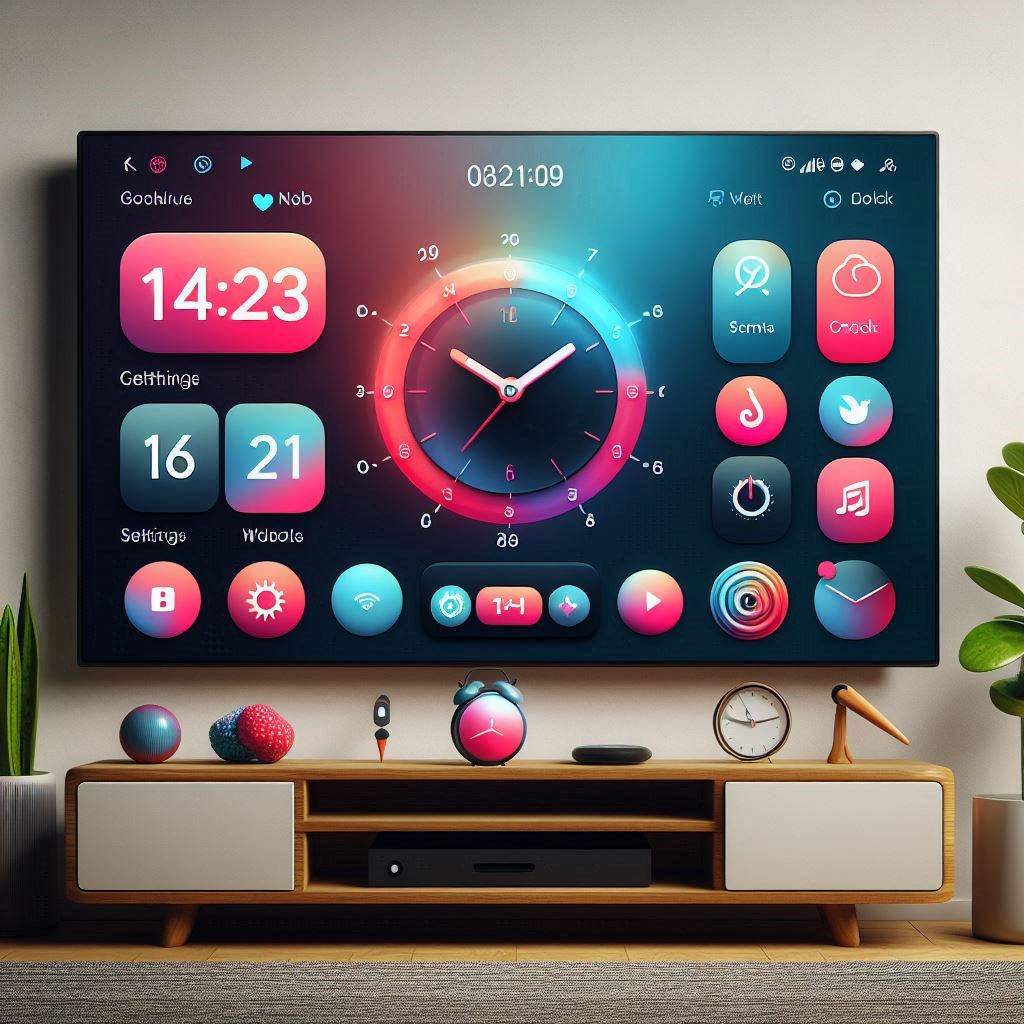
A well-designed dashboard is the heart of any successful application, and clock apps are no exception. In a world saturated with digital tools for time management, standing out requires more than just accurate timekeeping. It demands an intuitive, customizable, and visually appealing experience. This article explores the key considerations and best practices for designing a compelling dashboard for clock apps, focusing on clarity, accessibility, and the ability to cater to diverse user preferences.
The primary goal of a clock app dashboard is to provide users with a central hub for monitoring time, accessing settings, and personalizing their experience. This requires a careful balance of information display and functional control. Users should be able to instantly grasp the current time, date, and any relevant time-related information, while also having easy access to features like alarms, timers, world clocks, and customization options.
Understanding Your Users: The Foundation of Good Design
Before diving into the specifics of dashboard layout and functionality, it's crucial to understand your target audience. Who are the primary users of your clock app? Are they focused on productivity, visual aesthetics, or a combination of both? Are you targeting smart TVs or Android devices? Different platforms offer different UI/UX capabilities. Answering these questions will inform key design decisions, such as the visual style, the level of customization offered, and the types of widgets included. A clock application aimed at a minimalist audience, for example, might prioritize a clean, uncluttered interface with limited options, while one targeting users who enjoy personalization could offer a wide array of clock faces, themes, and settings.
Furthermore, consider accessibility. Ensure that the dashboard is usable by individuals with visual impairments. This includes using sufficient contrast ratios for text and icons, providing alternative text for images, and supporting screen readers. Accessibility is not just a matter of ethical design; it also expands the potential user base of your clock app.
Key Elements of a Successful Clock App Dashboard
Several core elements are essential for a well-functioning clock app dashboard:
Clear Time Display: The central focus of any clock app is, naturally, the time. The time display should be prominent, easily readable, and customizable in terms of format (12-hour or 24-hour), font, and color. Consider offering different clock styles, such as analog, digital, or a combination of both. The ability to choose a favorite clock face that suits their personal taste is a major draw for many users of time-keeping applications, including clock o clock on various smart TV platforms.
Date Information: Alongside the time, the current date should be displayed clearly and concisely. Consider offering different date formats (e.g., MM/DD/YYYY or DD/MM/YYYY) to cater to regional preferences.
Alarm Management: A core function of most clock apps is alarm management. The dashboard should provide a quick overview of active alarms, allowing users to easily add, edit, or disable them. Consider using visual cues, such as icons or color-coding, to indicate the status of each alarm.
Timer Functionality: Integrating a timer directly into the dashboard allows for quick access to timing tasks. Users should be able to set timers with ease, and the dashboard should display the remaining time prominently.
World Clock Integration: For users who frequently travel or need to keep track of time in different locations, a world clock feature is invaluable. The dashboard can display multiple time zones simultaneously, making it easy to compare times across different regions.
Settings Access: Users should have easy access to the app's settings from the dashboard. This includes options for customizing the clock display, setting preferences for alarms and timers, and managing other app-specific settings.
Customization Options: The ability to personalize the dashboard is crucial for user engagement. This can include options for changing the background image, adjusting the color scheme, choosing different clock faces, and rearranging the layout of widgets. The range of customizable high-quality clock faces is a key differentiator in today's market.
Designing for Visual Clarity and Usability
Beyond the functional elements, the visual design of the dashboard plays a critical role in its overall usability. Consider the following principles:
- Information Hierarchy: Establish a clear visual hierarchy to guide the user's eye and prioritize important information. Use size, color, and contrast to emphasize key elements, such as the current time.
- Whitespace: Don't overcrowd the dashboard. Use whitespace to create visual separation between elements and improve readability.
- Iconography: Use clear and intuitive icons to represent different functions and settings. Ensure that the icons are consistent with the overall visual style of the app.
- Color Palette: Choose a color palette that is visually appealing and appropriate for the context of the app. Consider using a limited number of colors to avoid overwhelming the user.
- Font Choice: Select fonts that are easy to read and match the overall design aesthetic. Ensure sufficient font size, especially when designing for large screens like TVs where users may be viewing from a distance.
- Consistency: Maintain consistency in design elements, such as fonts, colors, and icons, throughout the dashboard. This helps to create a cohesive and predictable user experience.
Optimizing for Different Platforms and Devices
Clock apps are often used on a variety of devices, from smartphones and tablets to smart TVs and desktop computers. It's essential to optimize the dashboard design for each platform to ensure a seamless user experience.
- Responsive Design: Use responsive design principles to ensure that the dashboard adapts to different screen sizes and resolutions. This involves using flexible layouts and scalable images.
- Touchscreen Optimization: For touchscreen devices, ensure that interactive elements are large enough and spaced far enough apart to be easily tapped.
- Remote Control Navigation: For smart TVs and other devices that use remote controls, design the dashboard with easy navigation in mind. Use clear visual cues to indicate the currently selected element, and ensure that all functions can be accessed using the remote control's directional buttons.
- TV considerations: When designing for a TV app, remember that users will often be viewing from a greater distance. Fonts need to be larger and contrast more pronounced than on a mobile device. Navigation should be simple, and the interface should be optimized for a remote control rather than a touchscreen. Furthermore, smart TV app marketplaces like Samsung Tizen TV and LG WebOS TV prioritize visually appealing apps.
Customization Options: Empowering the User
Offering a range of customization options allows users to tailor the dashboard to their individual preferences, increasing engagement and satisfaction. Consider offering the following customization options:
- Clock Faces: Provide a variety of clock faces, including analog, digital, and themed designs. Allow users to choose their favorite clock face and customize its appearance. The ability to download new clock faces from an online store or create custom faces is a highly desirable feature. Clock o clock's success on platforms like Android TV and Amazon Fire TV is partly attributable to the diverse range of available faces.
- Themes: Offer different themes that change the overall color scheme and background of the dashboard.
- Widget Placement: Allow users to rearrange the layout of widgets to create a personalized dashboard that suits their needs.
- Background Images: Provide the option to use custom background images. This allows users to personalize the dashboard with their own photos or artwork.
- Data Display: Let users choose which data points (date format, timezone display, etc.) are displayed.
The Role of Widgets in a Clock App Dashboard
Widgets are small, self-contained elements that provide specific information or functionality within the dashboard. They can enhance the user experience by providing quick access to frequently used features or displaying relevant data. Some useful widgets for a clock app dashboard include:
- Weather Widget: Displays the current weather conditions and forecast for the user's location.
- Calendar Widget: Shows upcoming appointments and events from the user's calendar.
- News Widget: Displays headlines from a news source of the user's choice.
- Stock Ticker Widget: Shows real-time stock prices.
- Battery Level Widget: Displays the battery level of the device.
- Customizable Message Widget: Allows the user to display a personalized message or reminder.
When designing widgets, keep them concise and focused on a single task or piece of information. Use clear and intuitive icons to represent different functions, and ensure that the widgets are easy to interact with. The goal is to provide information at a glance, without requiring the user to navigate away from the main dashboard.
Leveraging Clock Apps as Screensavers
Many clock apps offer the option to be used as screensavers. This is a valuable feature that allows users to display the time and other information while their device is idle. When designing a clock app for screensaver use, consider the following:
- Low Power Consumption: Optimize the app for low power consumption to minimize battery drain on mobile devices and energy usage on TVs.
- Burn-in Protection: Implement burn-in protection measures to prevent static elements from causing permanent damage to the screen, especially on older display technologies. This can involve subtly shifting the position of the clock display over time or using dynamic elements that change frequently.
- Visually Appealing Designs: Create visually appealing clock designs that are suitable for display as a screensaver. Consider using abstract patterns, animated elements, or photographic imagery. The clock o clock app is very popular as a screensaver on Amazon Fire TV, LG WebOS TV and Samsung Tizen TV due to its extensive range of visually interesting clock faces.
- Customization Options: Allow users to customize the appearance of the screensaver, such as choosing a different clock face, adjusting the brightness, or adding custom messages.
Testing and Iteration: Refining the Dashboard Design
Once you have designed a prototype of your clock app dashboard, it's essential to test it with real users and gather feedback. This will help you identify areas for improvement and refine the design to meet the needs of your target audience.
- Usability Testing: Conduct usability testing sessions to observe how users interact with the dashboard and identify any usability issues.
- A/B Testing: Use A/B testing to compare different design variations and determine which performs best in terms of user engagement and satisfaction.
- Analytics: Track key metrics, such as the number of users who access different features, the time spent on the dashboard, and the rate of app uninstalls. This data can provide valuable insights into user behavior and help you identify areas for improvement.
- Feedback Collection: Encourage users to provide feedback through surveys, in-app feedback forms, and social media channels.
Based on the feedback you receive, iterate on the design of the dashboard to address any issues and improve the overall user experience. This is an ongoing process that should continue throughout the lifecycle of the app.
Monetization Strategies
While the initial goal is to create a high-quality clock app, developers often explore monetization strategies. Several options are available:
- In-App Purchases: Offer additional clock faces, themes, or features as in-app purchases. This allows users to customize the app to their liking while providing a revenue stream for the developer.
- Subscription Model: Provide a subscription service that unlocks premium features, such as ad-free usage, access to exclusive clock faces, or cloud-based alarm synchronization.
- Advertising: Display non-intrusive ads within the app. This can be a viable option for free apps, but it's important to strike a balance between generating revenue and providing a good user experience. Consider offering an ad-free version as a premium option.
- Partnerships: Collaborate with other companies to offer integrated services or promotions. For example, you could partner with a weather service to provide a more detailed weather widget or with a calendar app to provide seamless integration of events.
Choosing the right monetization strategy will depend on the specific features of your clock app, your target audience, and your overall business goals.
Staying Ahead of the Curve: Future Trends in Clock App Design
The world of mobile and TV app development is constantly evolving, so it's important to stay ahead of the curve and anticipate future trends in clock app design. Some trends to watch include:
- AI-Powered Features: Integrate artificial intelligence (AI) to provide personalized time management recommendations, such as suggesting optimal sleep schedules or providing reminders based on the user's location.
- Voice Control Integration: Integrate voice control functionality to allow users to set alarms, timers, and access other features using voice commands.
- Augmented Reality (AR) Integration: Explore the potential of augmented reality to create immersive clock experiences. For example, users could point their phone at a wall to project a virtual clock onto it.
- Integration with Smart Home Devices: Integrate with smart home devices to control lighting, temperature, and other aspects of the user's environment based on the time of day.
By embracing these trends and continuously innovating, you can ensure that your clock app remains relevant and competitive in the long term. The success of apps like clock o clock demonstrates the ongoing demand for customizable and feature-rich timekeeping solutions.
Conclusion: Designing for the User's Time
Crafting the perfect clock app dashboard is a balancing act between functionality, aesthetics, and user experience. By understanding your target audience, focusing on clarity and usability, offering a range of customization options, and continuously testing and iterating on the design, you can create a dashboard that is both visually appealing and highly functional. Remember that your goal is to provide users with a tool that helps them manage their time effectively and efficiently. A well-designed dashboard is a key element in achieving this goal. Whether users need a simple time display on their smart TV, or a comprehensive time management system on their mobile device, thoughtful dashboard design is paramount.